

Spring is here, and with it a sense of renewal. Our latest EFOS release introduces a range of enhancements designed to streamline workflows, modernise the user experience, and make everyday tasks faster and more intuitive.
What's new?
Focused on efficiency, usability, and a more modern EFOS experience, key updates include:
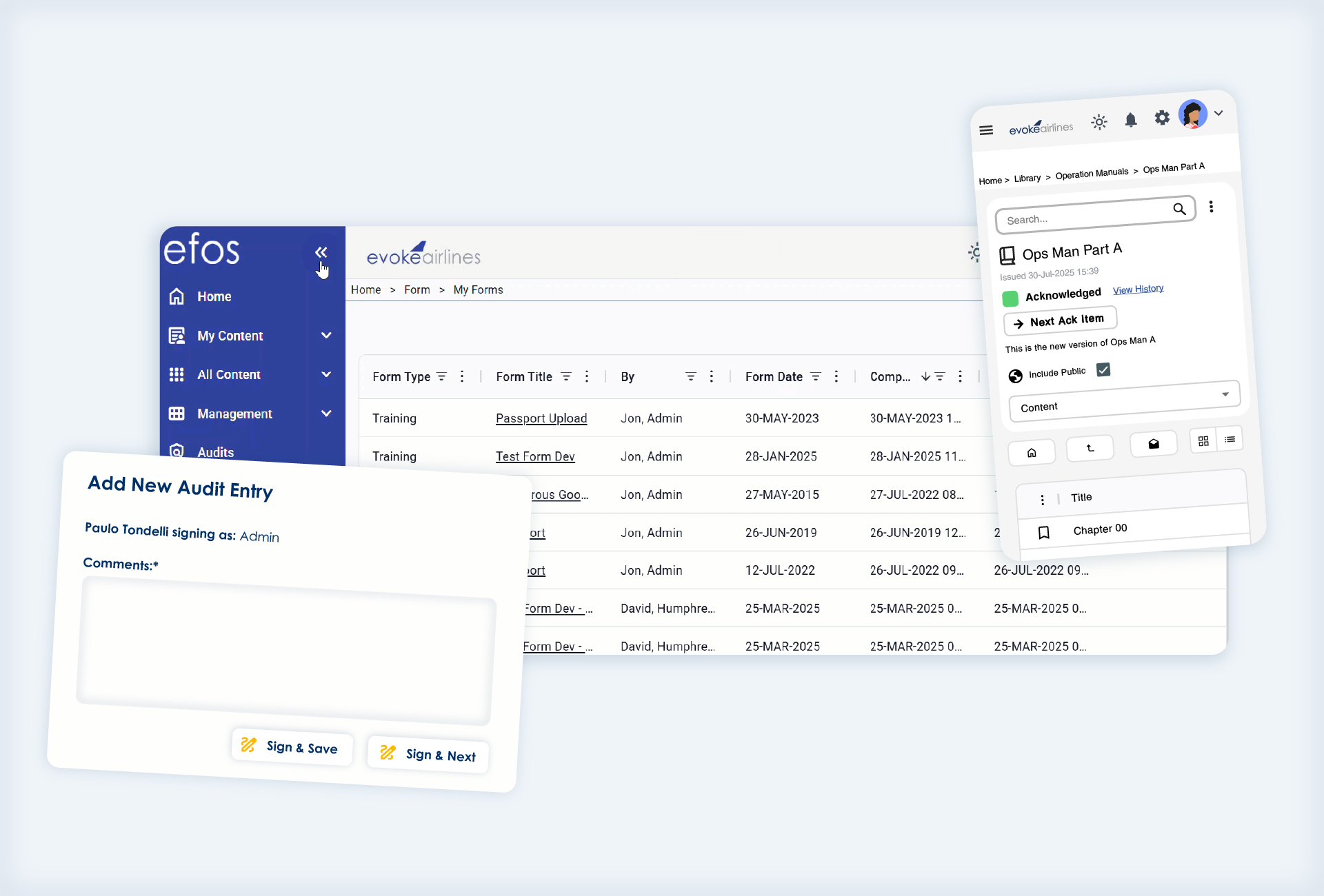
- New ‘My Forms’ hub: a single view of all completed training, safety, and company forms, with filtering and PDF export
- Faster workflows for trainers with the new Sign and Next form signing option
- Bulk filtering in My Analysis, allowing users to paste multiple values at once
- A refreshed, mobile-friendly EFOS Documents experience
- Modernised interface with updated design and icons
- Improved reporting with custom date range exports in Journey Log
- Auto-save in Shift Log handover notes, reducing the risk of lost updates
A smarter, more connected training experience
One of the biggest additions in this release is the new “My Forms” section within EFOS Training.
This provides users with a single, centralised view of all completed training, safety, and company forms, presented in a modern, easy-to-navigate layout. Users can filter, search, and organise their records, as well as export completed forms to PDF when needed.
Alongside this, improvements to Training Forms Management introduce a more efficient signing process. With the new Sign and Next option, trainers can move seamlessly between forms, reducing repetitive navigation and speeding up high-volume tasks.
Faster Access to Data and Reporting
This release also introduces enhancements designed to make working with data quicker and more flexible.
In EFOS Training analytics, users can now paste multiple values directly into filter fields, removing the need to manually enter each one. This significantly speeds up the process of building queries and analysing datasets.
Mobile-Ready Documents
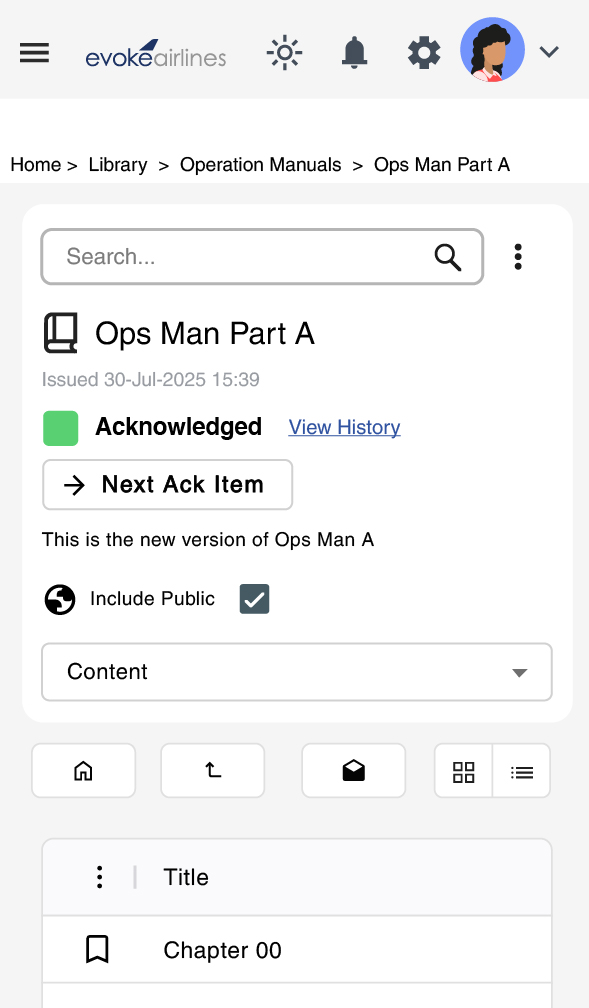
EFOS Documents brings a redesigned experience for accessing training materials and other documents.
While retaining core functionality, such as viewing, acknowledging, and favouriting documents, the new version offers a more responsive interface optimised for mobile devices. This ensures that crew and operational staff can easily access important information wherever they are.
A More Refined, Consistent User Experience
EFOS continues to evolve with an elevated interface designed to improve usability and visual consistency across modules.
Updates include:
- A sleek layout with updated fonts, icons, and styling
- New menu themes aligned with corporate branding
- A Dark and Light mode toggle – consistent across EFOS
- Improved navigation and filter panels
Continuing to Evolve EFOS
This latest release reflects the same spirit of renewal that comes with the season… refreshing existing features, introducing smarter workflows, and evolving EFOS to meet the needs of its users.
As always, we’ll continue to build on this momentum, delivering improvements that make managing training and operational workflows simpler, faster, and more effective. If you’re interested in reading about our latest releases, click here.


